




Prop your phone up. It spots every rep.
FitSpotMe watches you through the iPhone camera, counts your reps out loud and calls your form mid-set: chest up, a little deeper, two left in the tank.
For iPhone, with Apple Watch heart rate. Video never leaves your phone.
Recorded in the app
Six squats, counted
The form check during a set of bodyweight squats. The lines are the joints the camera can see, and the count goes up when each rep finishes.
One set, as you hear it
It talks you through the set
It tracks your hips, knees and shoulders from the side or the front, so it can tell a full rep from a half one. The lines in capitals are what it says out loud.
- Rep 1One
- Rep 2Two
- Rep 3Three
- Go a little deeperYour hips stopped above your knees.
- Rep 4Four
- Keep your chest upYour torso tipped too far forward on the way down.
- Rep 5Five
- Rep 6Six
- Two left in the tankYour reps have slowed against the fastest of your first three.
- Rep 7Seven
- Last one, make it count
- Rep 8That's the set

Setting up
No stand needed
Press start
Today shows this week's plan. Tap the day's workout.
Lean the phone on something
A plate or the bench leg works, about 2.5 m away and side on. It tells you to step back until your whole body is in frame.
Lift
It counts each rep and logs the set. Change the weight between sets.
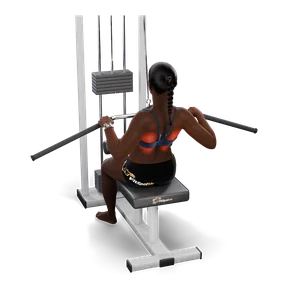
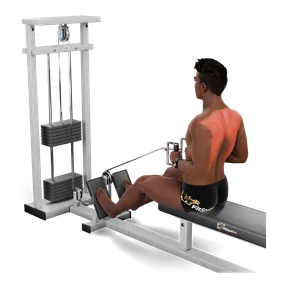
Every set clean last time. Lat pulldown, 52.5 kg?
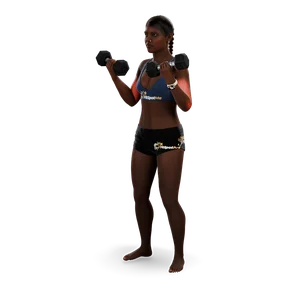
Workouts
Plans that use the whole gym
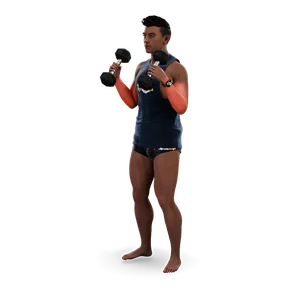
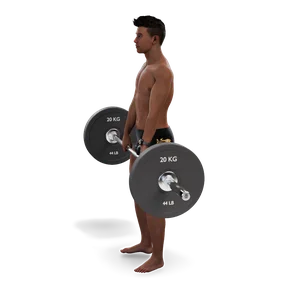
Barbells, cables and machines as well as bodyweight. Pick a program and the week fills in.
- Circuits and supersets, with reps that step down each round, like 10, 8, 6.
- If every rep was clean last time, it offers the next plate before your first set.
- Drag circuits around, swap an exercise for one that hits the same muscle, or skip it for today.
- You can tap through sets without the camera.
After the set
See your worst rep
Each set keeps a replay of your best and worst rep as a moving skeleton, with the joint that went wrong lit up. No video is saved, just the joint positions.
Hips stopped above the knees. Cue given: go a little deeper.
Also in the app
Apple Watch
Heart rate shows during each set, from the watch or a Bluetooth chest strap.
Apple Health
Finished sessions save as strength workouts. Height, weight and waist come in from Health.
Progress photos
Front, side and back, taken hands free. It talks you into the same spot as last time, then shows before and after with posture readings.
Interval timer
Tabata, EMOM and intervals, with an exercise named for each work round.
History and trends
Weight, waist, sessions a week, form score and your most done exercises.
Your music
Plays a playlist from Apple Music with controls on the workout screen, or opens Spotify.
Privacy
Video stays on your phone
- During a set the camera picture is read on the iPhone to find your joints. It isn't recorded or uploaded.
- Progress photos you choose to take are saved on the phone, and only go to your iCloud if you turn that on.
- There's no account and no FitSpotMe server. Sessions and plans sync through your own iCloud unless you turn that off.
- Body measurements and Health readings stay on your phone, and in Apple Health if you turn it on.
- Read the privacy policy
Get it
Coming to the App Store
FitSpotMe is in testing now. The link goes here when it's live.